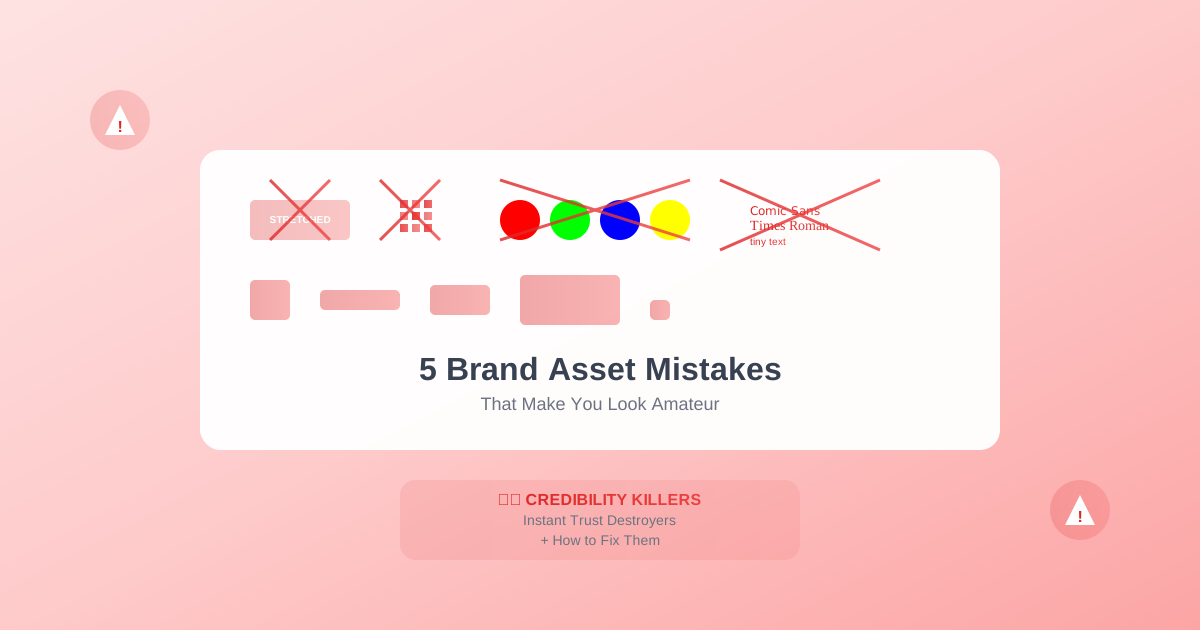
5 Brand Asset Mistakes That Make Your Business Look Amateur
First impressions happen in milliseconds, and nothing screams "amateur" faster than poor brand assets. These five critical mistakes are costing businesses credibility and customers every day. More importantly, we'll show you exactly how to fix them.
Mistake #1: The Stretched Logo Syndrome
The Crime:
Distorting your logo to fit different spaces by stretching or squashing it. This is the visual equivalent of wearing an ill-fitting suit to a job interview.
Why It Happens:
- Lack of proper logo variations
- Quick fixes under deadline pressure
- Misunderstanding of aspect ratios
- Using wrong file formats
The Damage:
- Immediate credibility loss: 67% of consumers lose trust
- Perceived unprofessionalism: Suggests carelessness
- Brand recognition issues: Distorted logos aren't memorable
- Competitive disadvantage: Professional competitors stand out
The Fix:
Create proper logo variations:
- Horizontal layout: For headers and wide spaces
- Stacked version: For square spaces
- Icon only: For tiny spaces
- Responsive sizing: Multiple fixed sizes, never stretched
Real Example:
"We lost a $50,000 contract because our proposal had a stretched logo on the cover. The client later told us it made them question our attention to detail." – Tech startup founder
Mistake #2: Resolution Roulette
The Crime:
Using low-resolution, pixelated images across digital platforms. Your logo looks like it was created in 1995 and never updated.
Why It Happens:
- Grabbing logos from websites instead of source files
- Not understanding resolution requirements
- Using JPEGs instead of PNGs for transparency
- Ignoring retina display requirements
The Damage:
- Mobile user exodus: 70% abandon pixelated sites
- Print disasters: Unusable marketing materials
- Social media invisibility: Platforms compress further
- Lost opportunities: Media can't use poor quality assets
The Fix:
Maintain a resolution hierarchy:
- Master file: Vector (SVG) or 5000px+ PNG
- Web standard: 2x size for retina (e.g., 200px display = 400px file)
- Social media: Platform-specific optimization
- Print ready: 300 DPI minimum
- Email signature: Optimized for 100-150px height
Prevention Strategy:
Create a "Brand Asset Library" with clearly labeled files:
logo-vector.svg (master file)
logo-web-2x.png (retina ready)
logo-print-cmyk.pdf (print production)
logo-email-signature.png (optimized small)
Mistake #3: The Rainbow Brand Disorder
The Crime:
Inconsistent colors across different platforms and materials. Your blue is sometimes navy, sometimes cyan, sometimes "whatever looked good that day."
Why It Happens:
- No defined color codes
- RGB vs CMYK confusion
- Screen calibration differences
- "Close enough" mentality
The Damage:
- Brand confusion: Which is the real company?
- Reprint costs: Materials don't match
- Team inefficiency: Constant color debates
- Weakened recognition: Colors trigger memory
The Fix:
Document exact color values:
Primary Blue:
- HEX: #1E40AF
- RGB: 30, 64, 175
- CMYK: 83, 63, 0, 31
- Pantone: 2728 C
Create color usage rules:
- Primary: 60% of design
- Secondary: 30% of design
- Accent: 10% of design
Tool Tip:
Use color management tools to ensure consistency:
- Adobe Color for palette creation
- Pantone Connect for color matching
- Brand guideline documents for team reference
Mistake #4: The Font Free-for-All
The Crime:
Using different fonts everywhere – Comic Sans in emails, Times New Roman in documents, random web fonts on social media.
Why It Happens:
- No typography guidelines
- Default font laziness
- Personal preferences override brand
- Lack of font licenses
The Damage:
- Message dilution: Typography carries tone
- Cognitive load: Multiple fonts tire readers
- Unprofessional appearance: Suggests disorganization
- Legal issues: Unlicensed font usage
The Fix:
Establish a typography system:
- Headline font: Bold, distinctive
- Body font: Readable, professional
- System fallbacks: When brand fonts unavailable
Example hierarchy:
Headlines: Montserrat Bold
Body: Open Sans Regular
Fallback: Arial/Helvetica
Implementation:
- Purchase proper licenses
- Create templates with embedded fonts
- Use web fonts for digital consistency
- Document usage rules clearly
Mistake #5: The Size Chaos Chronicles
The Crime:
Using wrong dimensions for each platform, resulting in cropped logos, cut-off text, and awkward compositions.
Why It Happens:
- Platform requirements change
- One-size-fits-all mentality
- Rushing to publish
- Ignorance of specifications
The Damage:
- Cropped content: Key information lost
- Algorithm punishment: Platforms favor proper formats
- Wasted ad spend: Rejected advertisements
- Mobile disasters: Unreadable on phones
The Fix:
Master platform specifications:
Social Media Profiles (2024):
- Instagram: 110×110 (displays as circle)
- Facebook: 170×170 (displays at 128×128)
- LinkedIn: 300×300
- Twitter: 400×400
Cover Images:
- Facebook: 820×312
- LinkedIn: 1584×396
- Twitter: 1500×500
- YouTube: 2560×1440
Key Strategies:
- Design with crop zones in mind
- Test on actual platforms
- Update specifications quarterly
- Use platform-specific templates
The Cumulative Cost
These five mistakes compound:
- Revenue impact: -23% from inconsistent branding
- Time waste: 15 hours monthly fixing issues
- Opportunity cost: Missed partnerships and press
- Team morale: Frustration with amateur appearance
The Professional's Checklist
Daily Checks:
- Using correct logo version?
- Colors match brand guide?
- Image resolution sufficient?
Weekly Audit:
- Review social media consistency
- Check email signature formatting
- Verify document templates
Monthly Review:
- Update platform specifications
- Audit partner usage
- Refresh team training
Quarterly Assessment:
- Complete brand audit
- Update asset library
- Review and refine guidelines
Success Stories
Before and After:
StartupX:
- Before: 5 different logo versions in circulation
- After: Unified brand kit, 40% increase in trust scores
- Result: $2M funding round closed
ConsultingPro:
- Before: Pixelated LinkedIn presence
- After: Professional assets across platforms
- Result: 3x increase in inbound leads
E-commerceWin:
- Before: Inconsistent product imagery
- After: Standardized brand assets
- Result: 67% improvement in conversion
Your Action Plan
This Week:
- Audit your current assets
- Identify your top 3 mistakes
- Fix the most visible error first
This Month:
- Create proper logo variations
- Document color codes
- Standardize fonts
- Generate platform-specific sizes
- Train your team
This Quarter:
- Implement brand guidelines
- Automate asset generation
- Monitor consistency
- Measure improvement
The Bottom Line
Amateur mistakes broadcast incompetence before you speak a word. Professional assets build trust before the first interaction. The difference between looking amateur and professional isn't talent or budget – it's attention to these fundamental details.
Every pixelated logo, stretched image, and inconsistent color is a customer lost to a more professional competitor. But here's the good news: these mistakes are entirely fixable, often in minutes with the right tools and knowledge.
Your Next Move
Stop broadcasting amateur hour. Professional brand assets aren't about perfection – they're about consistency, quality, and respect for your audience's experience.
The fix is simpler than you think and more valuable than you imagine. Your business deserves to look as professional as the value you provide. Make that happen today.
Ready to Transform Your Brand Assets?
Stop wasting hours on manual logo resizing. Generate professional brand assets in seconds.
Rachel Green
Brand Consultant
Rachel Green specializes in helping businesses create professional brand identities that drive growth and build customer trust.